meta data for this page
- en
This is an old revision of the document!
 Welcome to uiTLM! To join the community discussion or help build the manual, please register or log in.


Note: If currently registered and seeing this notice, check the “Remember me” box when logging in to stay recognized!
 New User How To:
A Beginner's A to Z Perspective
Every new user asks “How do I get started with Total Launcher?”
Visit this brief, simple, eye-opener
Click here to view.
Welcome to uiTotalLauncherManual
This is a community-driven, unofficial manual for the highly-customizable Android launcher, Total Launcher. The goal is to create a comprehensive resource for both new and experienced users.

Total Launcher + uiTotalLauncherManual (uiTLM)
Total Launcher is home screen replacement for Android devices which provides users with extensive control over the layout, appearance and functionality of the user interface. Its power is with its flexibility for creation of unique and personalized experiences far beyond the capabilities of standard launchers.
This flexibility to “Imagine it! Make it! The ultimate customization” also creates a knowledge requirement to realize each user's customization goals. Potential or new users will benefit greatly from initial setup and basic configuration after first installing the app. As you progress, uiTLM can assist in the understanding and implementation of advanced features in the understanding and implementation of advanced features such as complex layouts, dynamic data, and sequences. Getting stumped in the middle of a creative effort is where uiTLM can help troubleshoot specific issues. Hopefully, many will seek us for inspiration for new designs or view how others have succeeded in documenting their knowledge.
The Purpose of this Dokuwiki ... uiTLM
A DokuWiki is a collaborative documentation platform that allows visitors to view the knowlege base / content on its topic. The uiTotalLauncherManual is a community-driven project that functions as a central knowledge base. Its purpose is to collect and organize information, tutorials, and best practices from the user community into a structured and easily searchable format. This ensures the information is practical, tested, and kept up-to-date by those who use the app most.
The community encourages each and every visitor to increase their knowledge through the use of uiTotalLauncherManual. Please make sure to visit the sections below on the Benefits of Registration and hopefully make the decision to Register with uiTLM. Welcome!
Navigation Tips



Benefits of Registration
Visitor experience at the uiTotalLauncherManual wiki will be elevated significantly with an easy step towards registration. To learn more:
🧠 Begin the Journey
🚀 Getting Started
New to Total Launcher? Start here to learn the core concepts and basic operations.
⚙️ Power User & Advanced Topics
Dive deep into logic, automation, and complex setups.
🎨 Theming & Customization
Learn how to make your launcher look exactly the way you want.
About this Project: The uiTLM is an unofficial, community-maintained user manual. It is not affiliated with the Total Launcher app developer (ChYK). Content is provided “as is”. See our Terms of Use and Code of Conduct.
Comments & Feedback
Toby Lancer is ready to help! Look for the Quick Help form:
► Desktop: left sidebar located near the bottom for Private to Admin
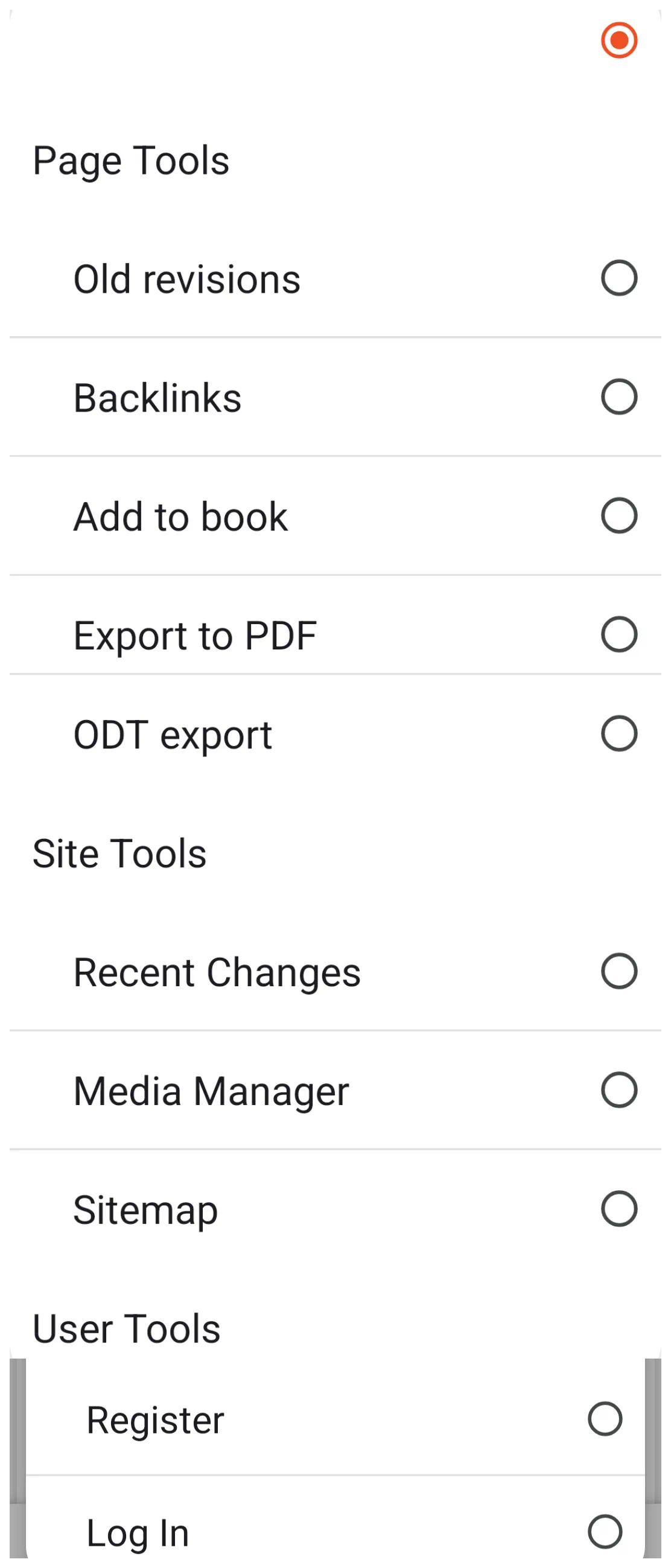
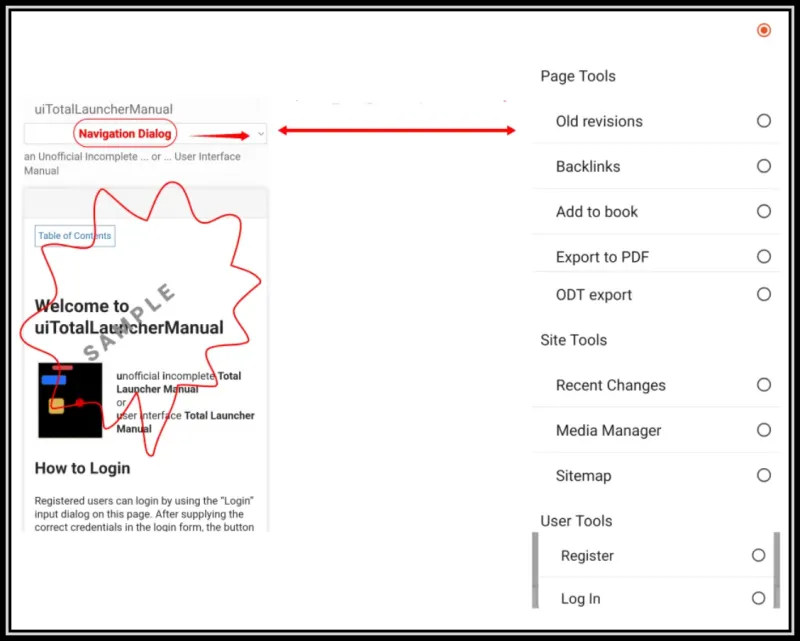
► Mobile: 3-bar menu at page top.
► Use the Discussion section below to share any experiences and communications with other Total Launcher users.
► Any Registered User can directly update this and any wiki page if desired.
Moderation: To keep the manual clean, all comments are held for appropriateness review. Preview any comment before submitting it. It will not display after submission until reviewed. So, please, do not resubmit.
Formatting: If using any code snippets place them inside code tags (e.g., 'code') using double single quotes (') before and after to keep them readable.
Be Kind: This is a community effort. Please keep feedback constructive and on topic.
~~DISCUSSION~~